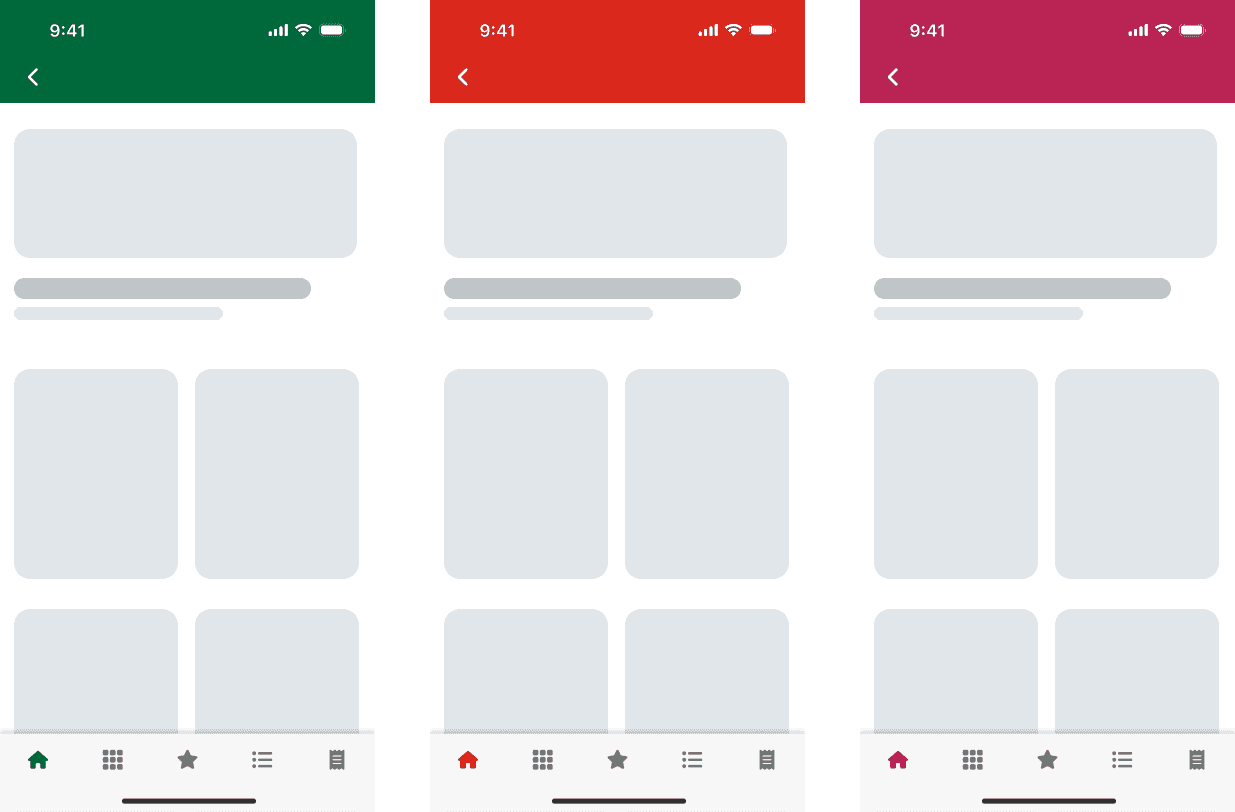
Scaling 3 brands from 1 design system
Challenge
Two brands in one Figma library meant a second variant of every component and a hand re-theme of every screen: six weeks of work per pass, then again for dark mode.
Strategy
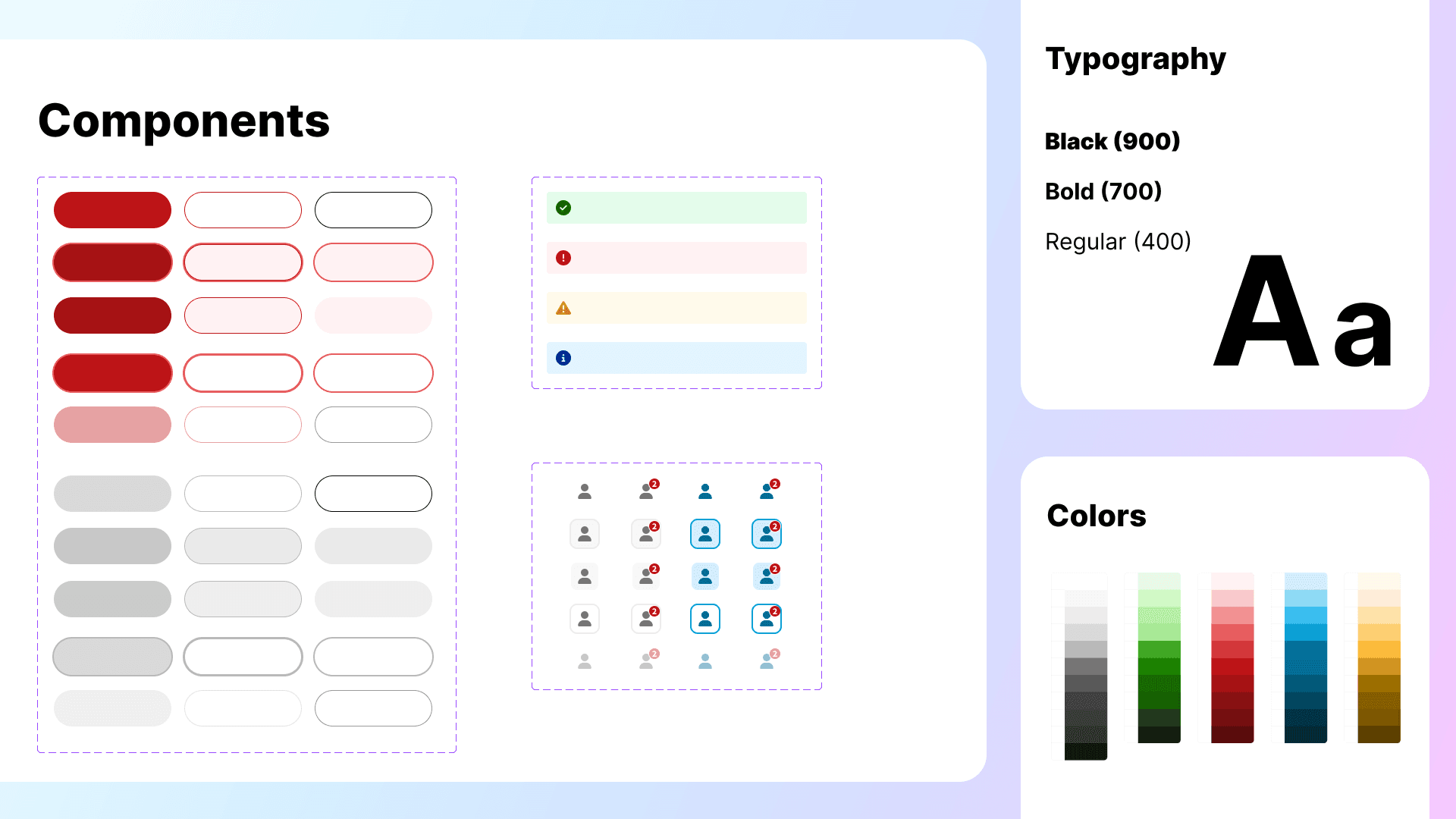
I rebuilt the library on variables: a raw palette aliased by use-based color groups, brand and theme as modes, and a separate size collection for Dynamic Type.
Results and impact
A re-theme dropped from six weeks per mode to two for both. The component library halved. Brand 3 shipped on the system, and every screen is checked at large text sizes before handoff.
Challenge
Two Brands, One Library, and Manual Everything
Before variables, the mobile library supported two brands by duplication. Every component carried a brand-2 variant, and every screen was designed for brand 1 first. To get a flow dev-ready for brand 2, a designer went page by page, frame by frame, component by component, swapping each one to its brand-2 counterpart and remapping the colors by hand. Across more than two thousand screens at five components each, one pass took six weeks of one designer’s time, and then the same again for dark mode. Trivial work, and it was eating time that should have gone to design.
The same gap reached engineering. Without semantic naming, developers interpreted color intent at handoff, and the Figma file and the codebase drifted apart.
Accessibility was equally manual. Dynamic Type compliance for iOS was checked after the fact, in audits that were hard to visualize and harder to document.
With a third brand already on the roadmap, I saw the window to fix the architecture before the complexity compounded further.
Strategy
One Taxonomy, Six Modes, and a Size Switch
When Figma shipped variables in 2023, I proposed and led a full rebuild of the mobile styles library from visual styles to a token architecture, with tokens named for use rather than value.
Token Architecture
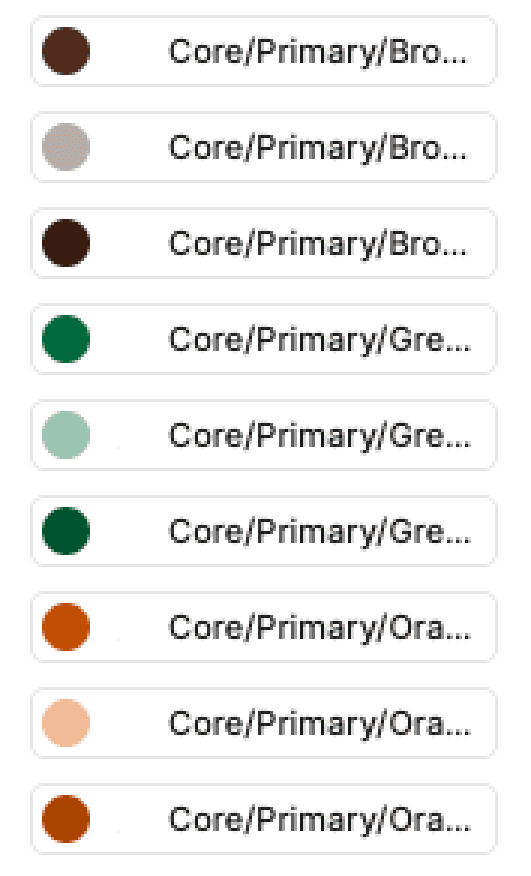
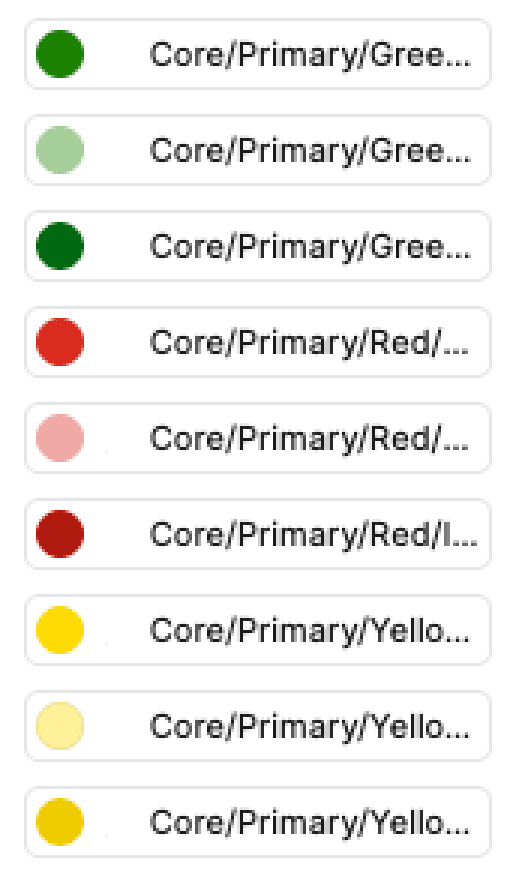
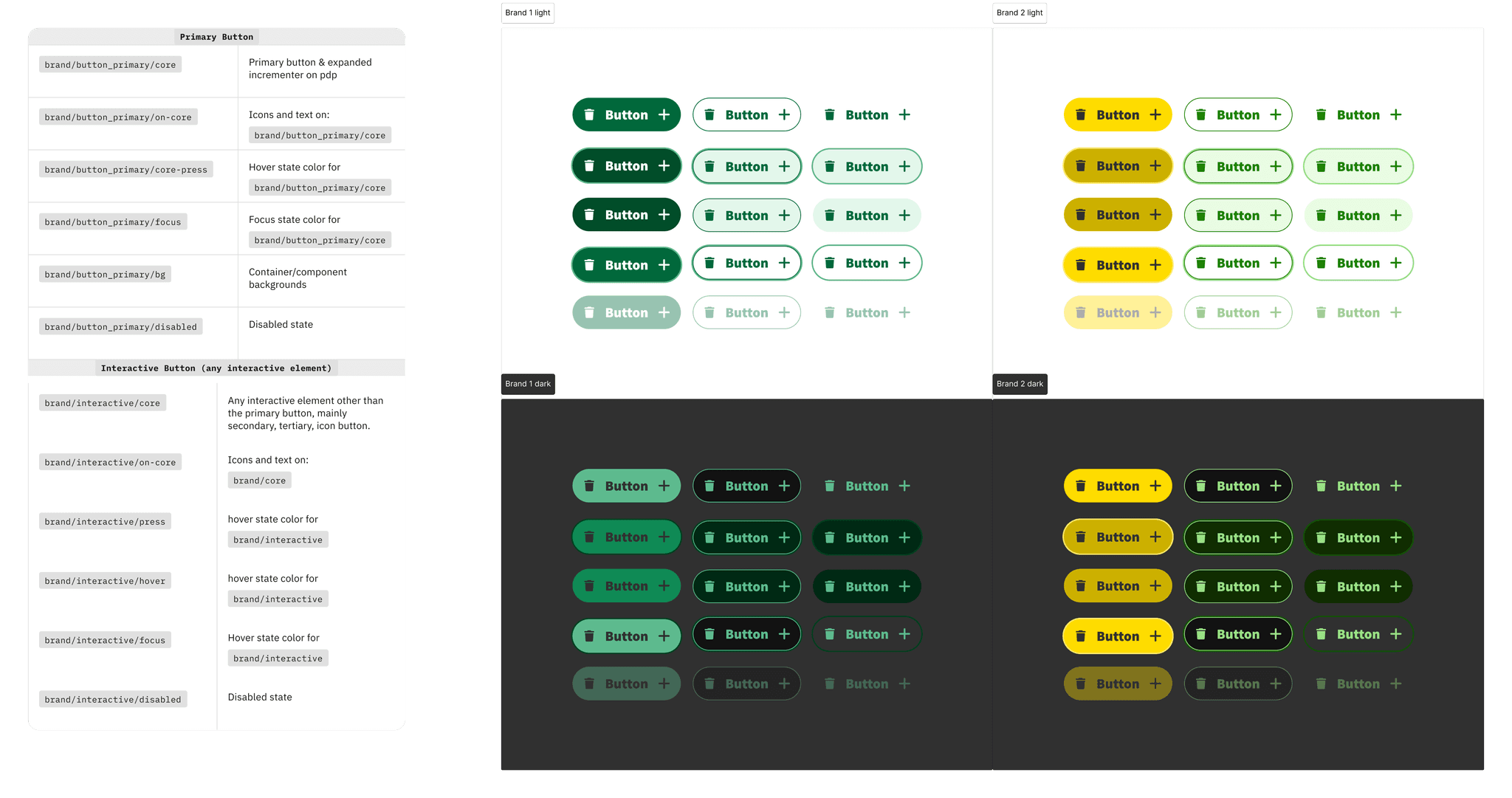
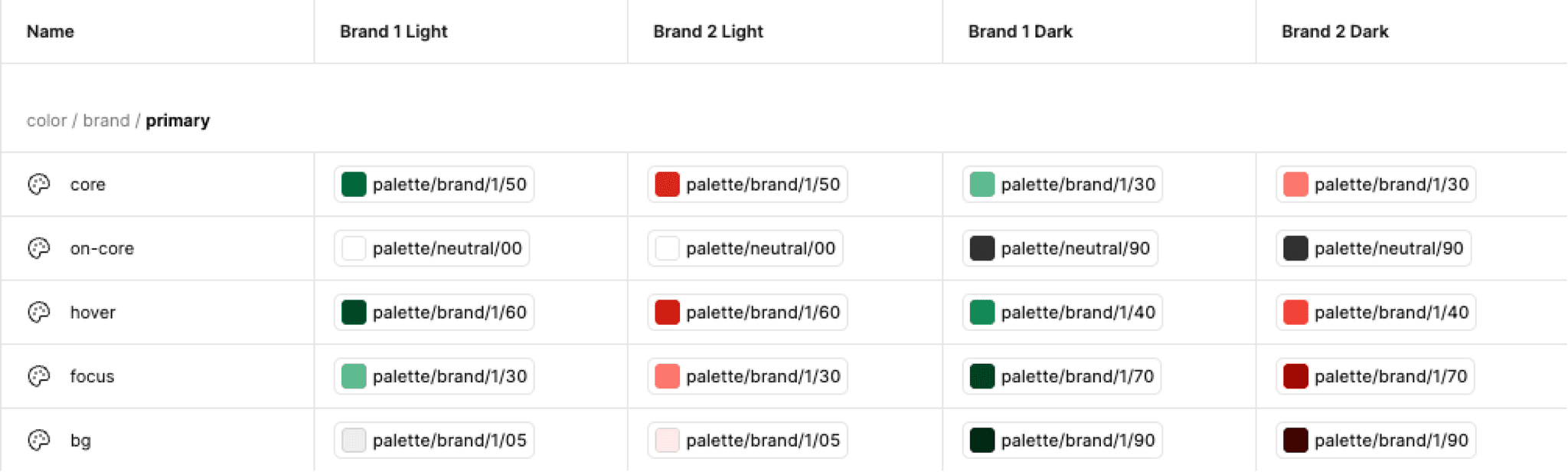
Two tiers. A raw palette per brand sits underneath (brand-1/50, brand-1/100 and so on), and every functional token aliases into it, so button-primary resolves to brand-1/50 in one mode and a different swatch in another.
The mapping was supposed to be simple: brand 2’s primary maps to brand 1’s primary, secondary to secondary. Brand 2’s palette broke that. Its primary is red, which works on a nav bar but reads as danger on an action button. Its secondary is yellow, which fails on white for links and icon buttons. Its accent green passes everywhere but can’t be used everywhere without going off-brand. So instead of one primary group, I split the interactive colors by use: header, primary button, and the remaining CTAs, each with its own token. Brand 1 maps all three to its green; brand 2 maps each to a different swatch. The cost is a wider taxonomy than a single primary would need, which is why naming and documentation had to carry the weight.
Theme and size are separate collections. Theme, with a light and a dark mode per brand for six in total, applies to components and screens alike. Size is scoped to components: it documents for developers how each component behaves at each text size, and it’s the switch I use to check a design before handoff.
The Migration
Components first. With color driven by mode, every brand-2 variant became redundant and the component library shrank by half. Screens followed once components were stable, and the old styles were phased out as each moved over.
Engineering Alignment
I validated the taxonomy with developers before finalizing it, and they adopted the token names as-is in code: the same names in Figma and in the theme layer, by convention rather than a pipeline. When a token is added or renamed, I open a ticket and developers update the theme layer to match. On components, alignment ran the other way: where design said “header” and “bottom navigation,” the platforms say “nav bar” and “tab bar,” so the library uses the platform terms.
Accessibility as a Variable
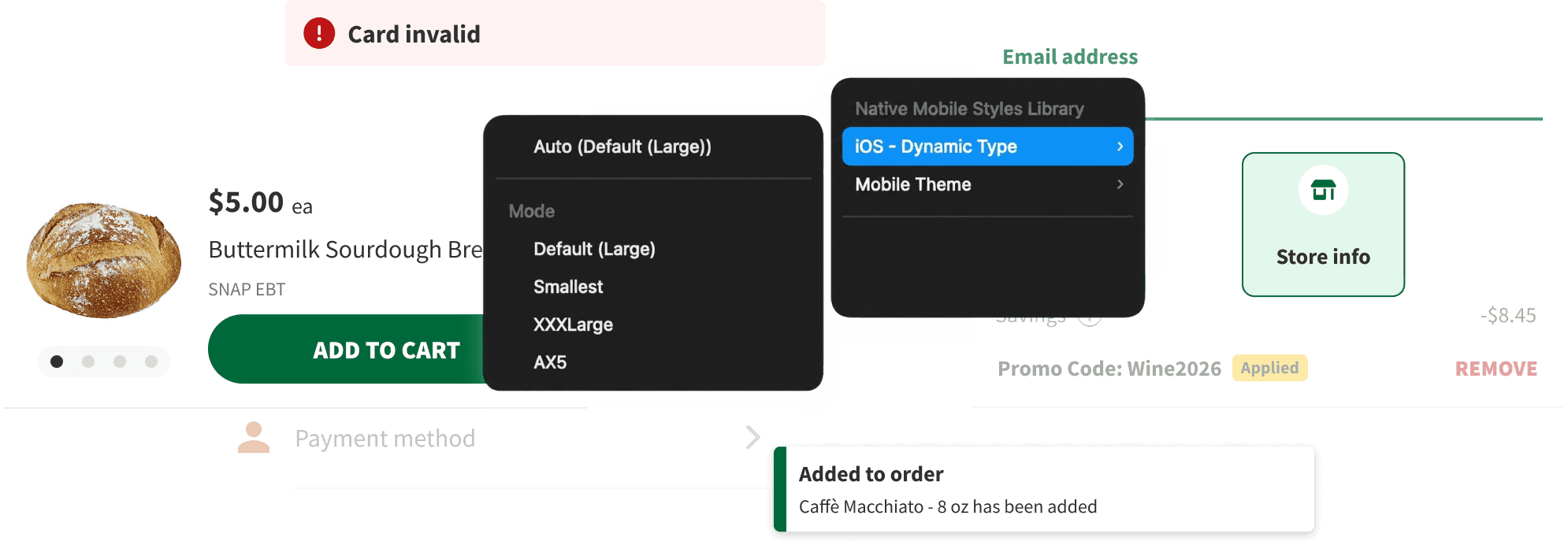
The size collection drives type size and nothing else. Toggling a frame to XXX-Large cascades to every component inside it and scales the text in place, so what you see is whether the design holds or breaks its container. The type mapping is documented alongside it for both platforms: what a 16px style becomes at each step from xSmall to AX5 on iOS and 1 to 8 on Android. I run every screen through it before handoff.
Results & Impact
The Third Brand as the Test
Brand 3 was the proof. Mapping its palette into the token groups and building out its light and dark modes took two weeks, spread over a month alongside other projects. That is where re-theming time goes now, and it covers both modes; the components needed nothing, and screens switch by mode. Its palette fit the header, primary-button and CTA split without a new group. No duplicated files, no brand-3 variant of every component. It’s live.
Today the library serves four designers and a mobile team of twelve iOS and twelve Android developers.
The next problem is the native layer. We use Apple’s and Google’s own Figma components for keyboards, system prompts and notifications, so switching a screen to dark mode currently means toggling three modes: our brand’s, iOS’s and Android’s. Folding the native defaults into the theme collection is the next rebuild.